How Joining Friends Works in WARDOGS
Playing with friends matters because a coordinated squad can share information, revive one another, and avoid relying on proximity chat that enemies may hear. WARDOGS does not currently use a traditional pre-match party lobby, so your group must first meet inside the same server. Once everyone is in the match and on the same faction, you can create or join a squad.
The main challenge is that joining a friend’s server does not always guarantee a faction slot. Plan before deploying, especially when joining a busy match. A lower-population server usually gives your group the best chance to land on the same side.
| Method | Best for | What happens |
|---|---|---|
| Server Browser | Groups planning before deployment | Everyone selects the same server or enters its ID |
| Steam Friends List | Joining one friend already in a match | Steam sends you directly to that friend’s server |
| Squad Menu | Players already on one faction | You create, join, or request access to a squad |
Join the Same Server First
Before anyone enters a match, decide who will choose the server. Have that player open Deploy, select the appropriate region, and use the Server Browser to find a suitable match. Share the server number or Server ID with everyone in your voice call.
The Server ID is a six-digit code. Players can use the Join By ID option at the bottom of the Server Browser to enter that code instead of searching through the list.
For the smoothest start, choose a server that is not nearly full. A packed server may allow everyone to enter eventually, but it can split your group across factions or leave players waiting for space.
Follow this simple setup process:
- Start a voice call through Steam, Discord, or another service.
- Pick the same region to reduce confusion and connection issues.
- Choose a lower-population server when possible.
- Share the server’s number or six-digit Server ID.
- Have everyone join at roughly the same time.
- Confirm that each player has loaded into the same match before choosing factions.
| Server choice | Advantage | Risk |
|---|---|---|
| Low population | More room for friends on one faction | The match may take time to become busy |
| Medium population | More active battlefield with some flexibility | Faction slots can fill while players load in |
| Nearly full | Immediate action | Friends may be separated or unable to join |
| Server ID | Removes search mistakes | Everyone still needs available server and faction space |
If a friend is already in the game, Steam provides another route. Open the Steam friends list, right-click that friend’s name, and select Join Game. This sends you to their current server. Depending on available space, it may also place you with their faction and squad automatically.
Steam joining is especially useful for late arrivals. However, it is still limited by server capacity and team balance. If it does not place you alongside your friend, use the faction and squad steps below.
Choose the Same Faction
After entering the server, choose the same faction as your friends. This is essential: players on different factions cannot join the same squad, even when they are in the same match.
WARDOGS has three factions: Lonestar, Valkyra, and Manticore. The game does not offer a direct pre-match faction invite, so your group must coordinate this choice manually. Agree on a faction before deploying, then select it immediately after loading in.
Faction capacity is the biggest obstacle when friends try to play together. If your preferred side is full, you may need to wait on the faction selection screen until a slot opens. In some cases, choosing Lonestar may be the quickest option, but that depends on current team population.
| Situation | Best response |
|---|---|
| Everyone joins before selecting a faction | Confirm the same faction in voice chat, then choose it together |
| One friend’s faction is full | Wait briefly for a slot or agree to use another faction |
| Group joins at different times | Have the first player report their faction and squad status |
| Your group is split | Use the change-team option if a suitable slot becomes available |
| Server is too crowded | Leave together and repeat the process on a quieter server |
Do not assume that sharing a server is enough. Check the faction name after spawning. If your group is divided, resolve that problem before building the squad; otherwise, you may waste time trying to find squad options that are unavailable across teams.
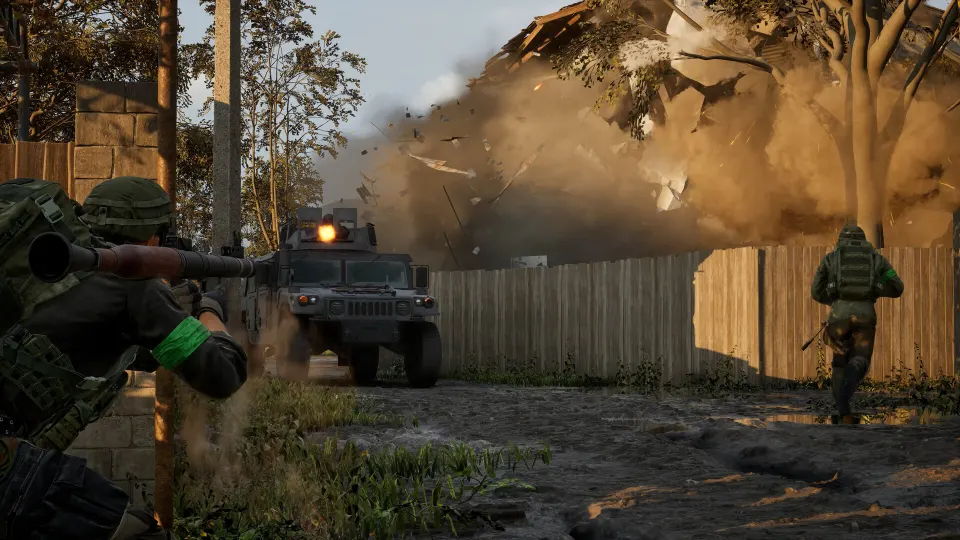
Create or Join a Squad
Once your group is on the same faction, open the pause menu by pressing Esc. The squad interface lets you view existing squads, create one, or join an available one.
To make a new squad, select Create Squad near the top of the squad screen. The game assigns it the next available NATO alphabet letter.
Friends can then locate the squad from the same screen and join it if it is open. If the squad is locked, the leader can invite players from the Unassigned Players section by selecting the plus icon beside their names. Some locked squads may also allow join requests, which the squad leader can approve.
| Squad setting | How friends enter | When to use it |
|---|---|---|
| Open squad | Select the squad and use Join | Your group does not mind additional teammates |
| Locked squad | Leader invites players from Unassigned Players | You want a friends-only squad |
| Request-to-join squad | Player sends a request for leader approval | You want controlled access without direct invites |
| New squad | One player selects Create Squad | No suitable squad exists for your group |
A squad does more than keep friends organized. Squad voice chat works across distance, unlike local proximity chat. That means you can coordinate movements, warnings, and objectives without broadcasting everything to nearby enemies.
Squadmates are also easier to recognize during a fight. Their markers and minimap indicators use a gold color, helping you distinguish close allies from your specific team. Downed squadmates display a gold revive icon, making it easier to prioritize revives when several teammates need help.
Pings are another major reason to stay grouped. Squad pings are visible to squadmates, letting a scout identify threats or a support player call attention to a position. If you are not in a squad, your pings do not provide the same shared value, and observation-tool enemy spotting will not provide the squad-based benefits.
Troubleshooting Common Friend-Joining Problems
Most WARDOGS friend-group issues come from capacity, timing, or faction selection rather than a broken connection. Treat the process as a sequence: same server first, same faction second, same squad third.
If Steam’s Join Game option does not work as expected, ask your friend to confirm that they are fully inside the match rather than still navigating menus. Then use the Server Browser as a fallback. Sharing the Server ID is often faster than repeatedly searching for a server by name or population.
If the group is large, avoid forcing everyone into an almost-full match. The game must preserve faction balance, and a large group trying to join one side may not fit. Pick a less populated server, enter together, and build your squad before the match fills.
Use this recovery checklist when something goes wrong:
- Verify that everyone selected the same region.
- Check the server number or Server ID character by character.
- Make sure the first player is already fully in the match before using Steam Join Game.
- Confirm faction names aloud before creating a squad.
- Wait for an opening if your chosen faction is full.
- Ask the squad leader to unlock the squad temporarily or send direct invitations.
- Move to a quieter server if repeated attempts leave the group split.
A squad can be locked after all intended friends have joined. This prevents random faction teammates from occupying your group’s slots. If a late friend arrives, the leader can reopen the squad, invite them through Unassigned Players, and lock it again afterward.
FAQ
Can you make a party before deploying?
No. WARDOGS does not currently provide a normal pre-match party system. You need to enter the same server first, select the same faction, then create or join a squad in the match.
What is the fastest way to join a friend already playing?
Open Steam’s friends list, right-click the friend who is already in WARDOGS, and choose Join Game. This takes you to their server, subject to available space.
How do I use a Server ID?
Open the Server Browser and select Join By ID near the bottom of the screen. Enter the six-digit code shared by your friend to go directly to that server.
Why can’t I join my friend’s squad?
You must be on the same faction first. If you are already on that faction, the squad may be locked or full; ask the squad leader to invite you from the Unassigned Players list.
Is squad chat better than proximity chat?
For coordination, yes. Squad voice chat remains available over distance, while proximity chat only reaches nearby players and can be heard by enemies. That makes a squad especially useful for a WARDOGS join friends session.